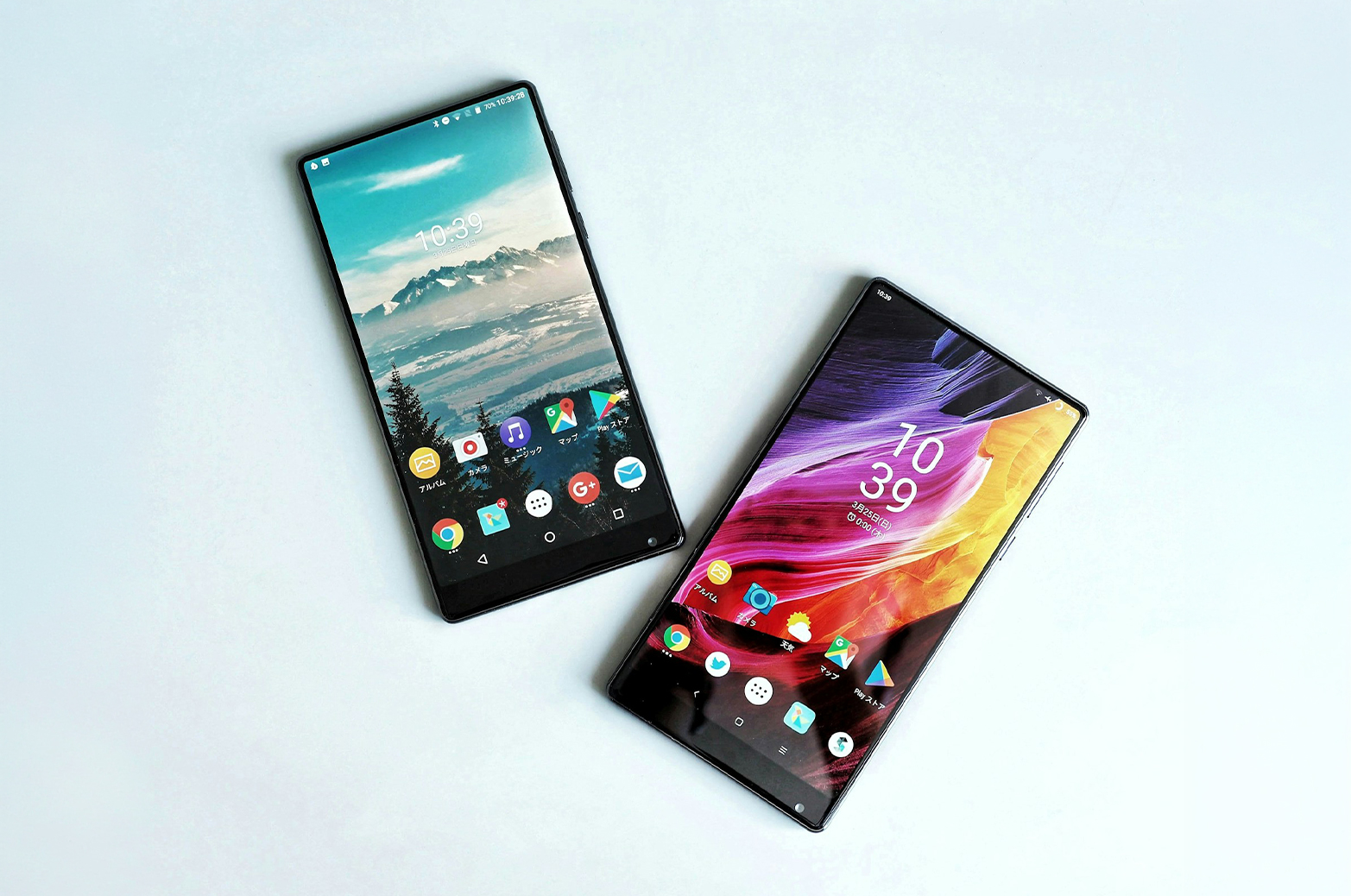
When your screen cracks, the first question at the counter is usually "Incell or OLED?" The short answer: OLED gives you brighter colours, deeper blacks and better battery life, while Incell costs less and still works well for everyday use. Which one is right depends on the screen your phone came with and how you use it.
This guide explains the difference in plain terms so you can choose with confidence before you pay for a replacement.
An LCD screen needs a light behind it. That backlight is always on. The image is formed as light passes through a layer of liquid crystals.
An OLED screen has no backlight. Every pixel makes its own light and switches off completely when it needs to show black. That is why OLED screens look so sharp and why black on an OLED screen is truly black.
In Malaysia most people call any phone screen an "LCD", whatever it is made of. So when a shop asks which LCD you want, they are really asking which type of screen.
Incell is a type of LCD where the touch layer is built into the display panel itself. It is thinner than older LCD screens and costs much less to make than OLED.
In the repair trade, Incell has come to mean the budget replacement option. It is often offered for phones that originally came with an OLED screen, as a cheaper alternative.
This one step decides most of the choice.
If your phone came with an LCD screen from the factory, an Incell replacement is a like for like match. You are not downgrading anything. An OLED version usually is not made for that model anyway.
If your phone came with an OLED screen, Incell is a step down in picture quality. It will still work, but you will notice the difference in colour, brightness and the black areas of the screen.
To check, search your exact model name followed by "specs" and look at the display line. "IPS LCD" or "TFT" means LCD. "AMOLED" or "OLED" means OLED. You can also open a fully black image in a dark room: if the screen glows grey, it is an LCD.
Do not choose on price alone. A cheap screen that drains your battery faster or loses your in screen fingerprint can cost you more in daily frustration than the money you saved.
Do not assume every OLED is the same. Replacement OLED screens vary in quality, so buy from a supplier that checks its stock and stands behind it with a warranty.
Do not guess your model. Two phones can look identical and still use different screens. Check the exact model number in your phone's settings before you order.
For a wider look at choosing parts, read our phone spare parts guide.
Nex9 Tech stocks Incell and OLED options for a wide range of models. You can browse every phone LCD we carry, with prices shown for each type, so you know what a fair price looks like before you visit a shop.
Not sure which type your model uses? WhatsApp us with your phone model and we will confirm the options and stock. If you need someone to fit the screen for you, find a repair shop near you that uses Nex9 Tech parts.

Quality replacement parts for your everyday devices, helping you get your phone back to its best.
© 2026 SSE Group SDN BHD (201901035860). All Rights Reserved.